Click “Login” and then “Create account”. Fill in your name, email and username, set a password and confirm your email address. After verification you can log in and access the player dashboard.



Popular
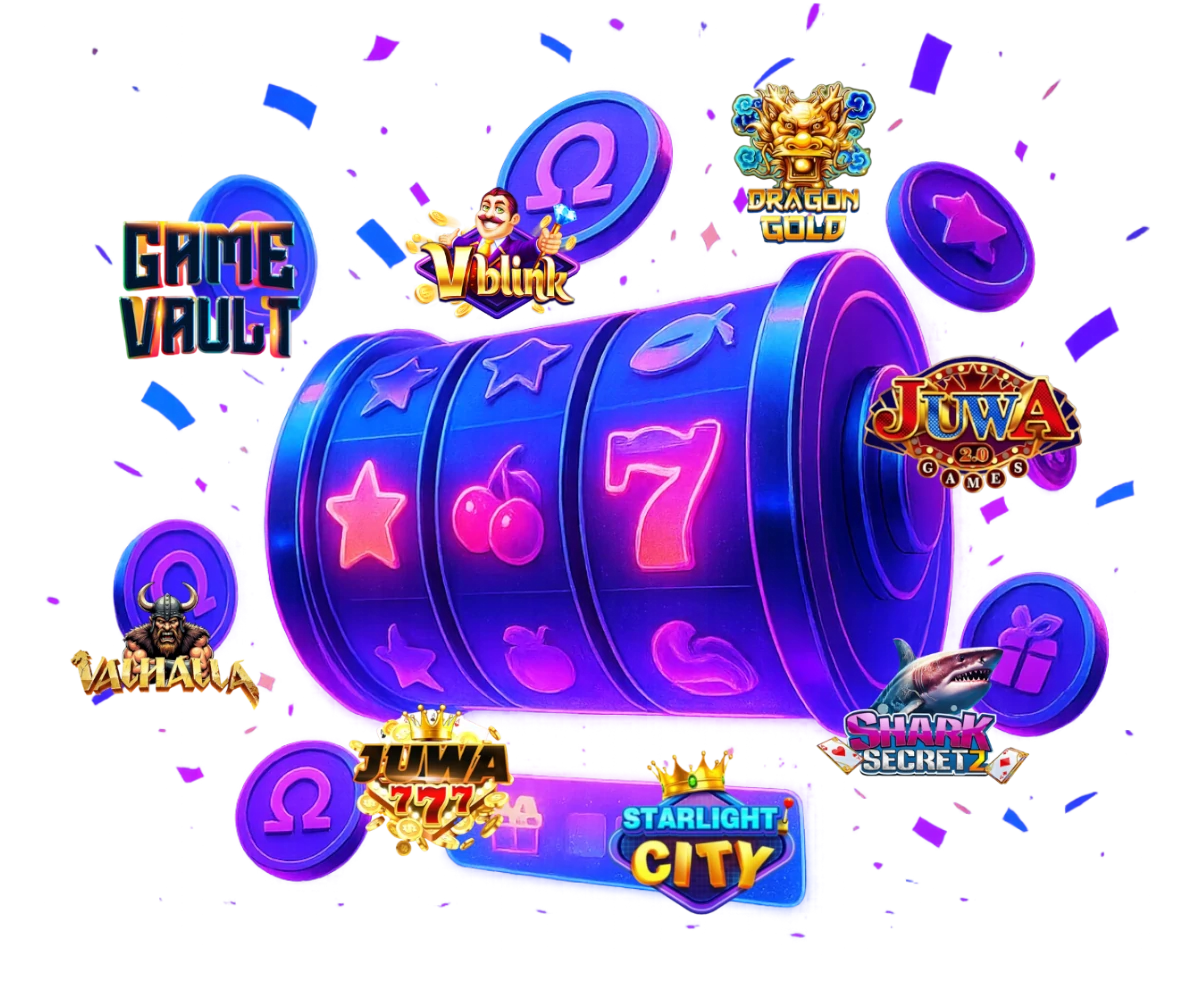
Most Popular Games








How It Works
Play, Win and Enjoy

Register
Create your free Omega GameRoom account in seconds. Verify your email and secure your login details.

Get Credits
Choose a supported payment option and add credits. Use promos, bonuses, and free entry methods where available.

Play Games
Connect to your favorite platforms and play slots, keno, fish and card-style games with a single Omega account.

Win & Redeem
Track your balances and requests. When you win, submit a payout request and we’ll process it as fast as possible.

Game Platforms








Promotions & Rewards
More value for every session
Omega GameRoom features welcome offers, daily rewards and special promos connected to our partner platforms. Everything is shown clearly in your account so you always know what you get.
Check our promotions regularly and boost your balance while you play.
View Promotions
Customer reviews
4.85 out of 5
Testimonials reflect individual experiences."Joining Omega Stake was the best decision I made this year. The games are fun, and the rewards keep me coming back every day. Highly recommended!"
"I was hesitant to try online sweepstakes gaming, but Omega Stake completely changed my mind. The platform is user-friendly and offers exciting prizes."
"Omega Stake has an amazing selection of games. I love how easy it is to deposit tokens and start playing instantly. Great experience so far!"
"The rewards system on Omega Stake is unmatched. I won my first prize within a week, and the payout process was seamless. I'll definitely keep playing."
"What I love most about Omega Stake is how engaging the games are. It's not just about winning but also about having fun every step of the way."
"Omega Stake is perfect for both new and experienced players. The tutorials made it so easy to get started, and the rewards are amazing!"
"I’ve tried many gaming platforms, but Omega Stake stands out with its smooth gameplay and incredible prizes. Highly addictive in the best way!"
"Customer support is top-notch! They answered all my questions about tokens and gameplay within minutes. Omega Stake truly cares about its players."
Payment Methods
We accept
Payment options vary by eligibility; verification may apply.










Why Choose Omega GameRoom?
Experience the Difference
Omega GameRoom connects trusted game platforms, modern payment options and a unified player experience under one roof. We focus on transparency, fair play and clear communication with our players.
- Single Omega account mapped to multiple game platforms
- Carefully curated game providers and live libraries
- Crypto-friendly and traditional payments
- Clear transaction history for deposits and withdrawals
- Strong focus on player protection and responsible gaming
- Real human support via in-site chat and email
- Regular promos, events and featured games
Need Help?
Frequently Asked Questions
How do I create an Omega GameRoom account?
Do I have to verify my email?
Yes. Email verification is required to protect your account, enable secure communication and reduce abuse. Without a verified email, you won’t be able to fully use your account or submit payout requests.
Which payment methods can I use?
Payments are processed via our partners (e.g. BCS, BinPay, Apex) depending on your region and account status. Available options are listed in the player payments section.
What are credits and balances in my account?
Your dashboard shows your balances and requests. Some balances represent entertainment-only play, while others may be eligible for redemptions when conditions are met. Full details are always visible in your account and Rules.
Can I play from my phone or tablet?
Yes. Omega GameRoom is optimized for modern mobile browsers. Simply log in from your smartphone or tablet and access the same dashboard, platforms and support as on desktop.
How long do deposits and withdrawals take?
Crypto deposits are usually processed quickly after network confirmation. Manual requests may require additional review. You can always see the status of your request in your account history.
Is there a minimum or maximum deposit?
Yes, each provider has its own minimum and maximum limits. On the deposit screen we show predefined amounts and, where allowed, custom input fields so you always know what is available for your account.
What if a game or platform is not loading?
First refresh the page and check your connection. If the issue continues, try another browser or device. If problems persist, contact support via chat and let us know which platform and game you are trying to open.
How can I check my transaction history?
In the player area you can view a list of your requests and processed transactions. For detailed information, you can also reach out to support and we will help you review a specific time period.
How do I contact customer support?
You can contact us via the in-site chat widget on the website or send us an email. Our goal is to respond as quickly as possible, especially for payment and account-related questions.
Player Support
Need help? Talk with our team
If you have questions about your account, platforms, payments or promotions, our support team is here to assist you. Start a conversation directly from the site and get personalized help.
Open live chat